 Plate
Plate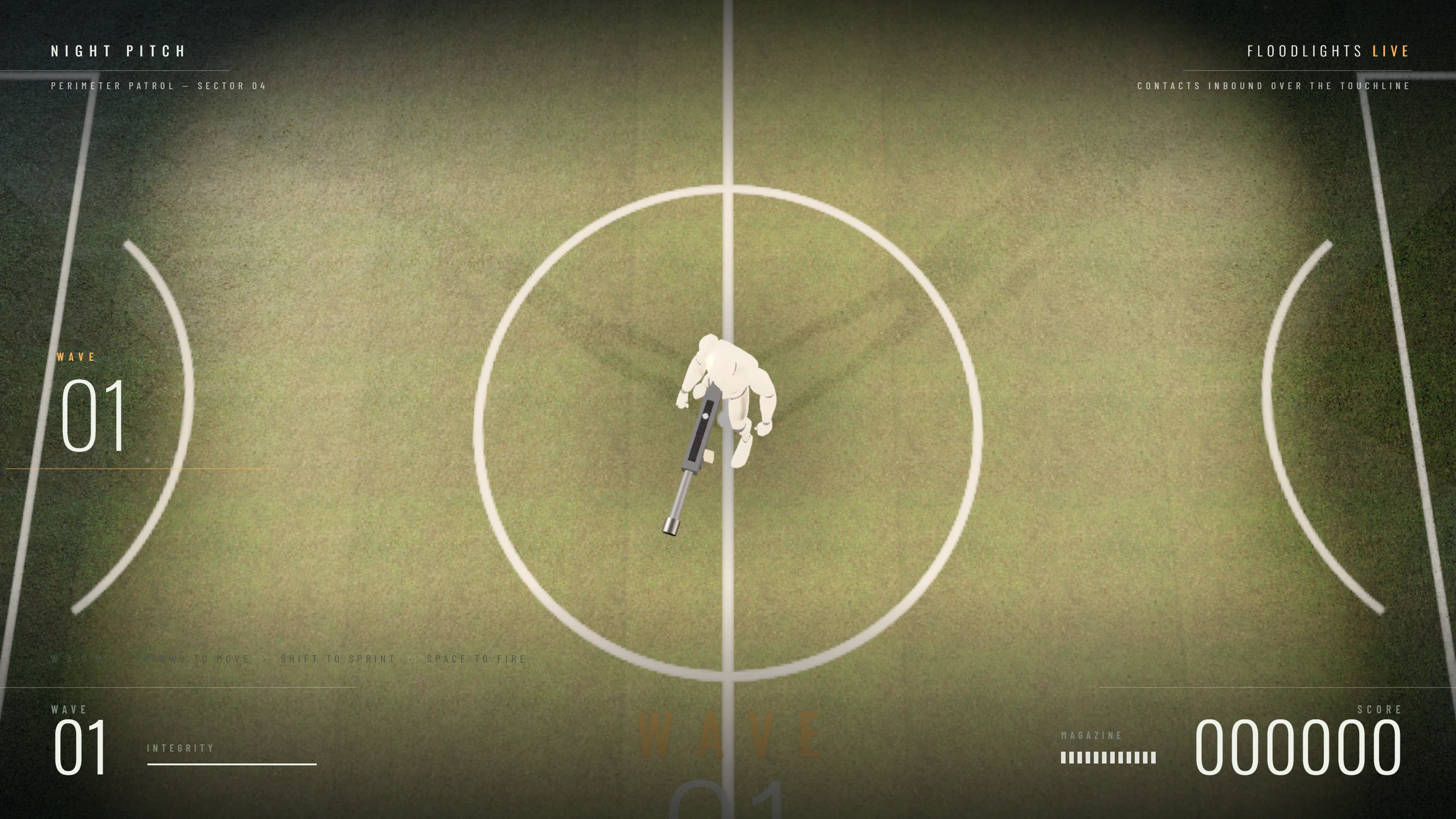
Design toolkit for your coding agent
Build something
worth showing.
Distinctive websites, interactive scenes and playable experiences. Built with the coding agent you already use.
 Claude Code
 Codex
Codex Cursor
Explore what you can build.
Open a project. Find your direction. Make it yours.
Same brief. With Plate.
Drag to compare. Open to explore.
No matching examples.
Plate Studio
Start the project.
Hand it to your agent.
Sign in with your Pro license, write the brief, pick a direction from the library and give Claude Code, Codex or Cursor one exact prompt.
- BriefWebsite, game or motion. Title, purpose, facts that must stay.
- Hand offOne prompt with the verified installer and your saved brief.
- RevisionsYour agent builds on your computer. Local Studio keeps every before and after.
Pro license required. Saved briefs live in your Plate cloud; project files and revision frames stay on your computer.


Start free. Go further with Pro.
| What you get | Starter | Pro |
|---|---|---|
| MCP server for Claude Code, Codex and Cursor | Yes | Yes |
| Capture and inspect your running page, desktop and mobile | Yes | Yes |
| Two starter kits, with briefs, catalog, asset resolve and source checks | Yes | Yes |
| Four design systems and nine complete implementations, with source and assets | No | Yes |
| A complete editable project, with its assets, in your own directory | No | Yes |
| Studio workspace, specialist workflows and visual revision history | No | Yes |
| Online library and optional cloud saved briefs | No | Yes |
Get started.
Choose your access level and your agent. Plate installs into your existing setup and connects over MCP.
- Pick Starter or Pro.
- Pick Claude Code, Codex or Cursor.
- Copy the instructions into your agent and let it run them.
Already purchased? My license
Documentation ↗Starter is free. Your agent installs Plate Starter from GitHub, connects over MCP, and uses the two kits, capture and inspection. No license key, nothing to buy.
Set up the free Plate Starter for Claude Code.
Connect MCP and verify the free tools.
Brief my project, capture it, then improve the design.
Show me before and after, then refine it.
Copies setup instructions for your agent.
Plate Pro.
One license. Every project after it.
A workspace for better work.
- Plate Studio: briefs, visual comparisons and revision history
- Specialist workflows for websites, games and motion
- Four design systems and nine complete implementations, with source and assets
- Editable projects with source and assets included
- Visual review and a workflow for refining your result
- Online library and private saved briefs
- Commercial use in your own and client projects
Questions
What is Starter and what is Pro?
Starter is free: the MCP server, capture and inspection, briefs, catalog, asset resolve, source checks, before/after pairs and two starter kits. Pro adds Studio, specialist improvement workflows, visual revision history, four design systems, nine complete implementations and the online library.
Do I pay for the setup prompt?
No. The setup instructions are part of Plate and free to copy. Starter needs no payment at all. Pro is a one-time license for the paid tools.
What am I buying?
A Plate Pro v1 software license. Your agent installs the full Pro toolkit. Your key activates Studio and the Pro tools locally and online. It includes v1 updates and commercial use in your own and client projects. The free toolkit itself is MIT licensed; example assets keep their own licences, which ship with the files.
What does the project tool actually do?
It copies a chosen implementation, with its assets and licence files, into a new directory you name, and records your brief and the facts to preserve. It never overwrites an existing directory. What you get is a working starting implementation: your agent then replaces the demo content with yours. It does not brand your project by itself.
Does Plate generate videos?
Plate helps your agent improve motion projects and review captured frames. Your agent and chosen rendering tools make the video; Plate does not include a hosted video generator or rendering credits.
How do I connect it?
Copy the setup instructions into Claude Code, Codex or Cursor. Your agent installs Plate and connects MCP. With Pro, activate your license in a private local prompt, never in chat.
Does Plate include AI credits?
No. Your existing agent supplies the model and does the work. Plate supplies the workflow, kits, systems and tools.
Is this a subscription?
No. The one-time license covers Plate Pro v1 and its updates. An internet connection is needed for license validation, the online library and saved briefs.